 For young artists, about 4 to 12
Learn to draw on real paper — one small step at a time.
Teacher Juno draws each picture as a gentle animation and pauses after every step. Your child copies it with a pencil, taps Ready, and keeps going. At the end, a photo turns the drawing into a little creature that blinks, wiggles and plays.
Sketchling is in closed testing on Google Play. Write to us with the email of your Google account and we'll invite you.
- Google PlayClosed testing
- App StoreComing soon

- No ads
- Grown-up checks
- English · Tiếng Việt · 简体中文
How it works
Watch, draw, snap, keep
- 1
Watch
Teacher Juno draws one small step and waits — no rush, no timer.
- 2
Draw on paper
Your child copies the step with a real pencil, then taps Ready for the next one.
- 3
Snap
A photo of the finished page is straightened and gets warm, encouraging feedback.
- 4
Keep & play
The drawing comes alive as a creature and joins the journal, the creature book and the gallery wall.
A look inside
Screens from the app
-
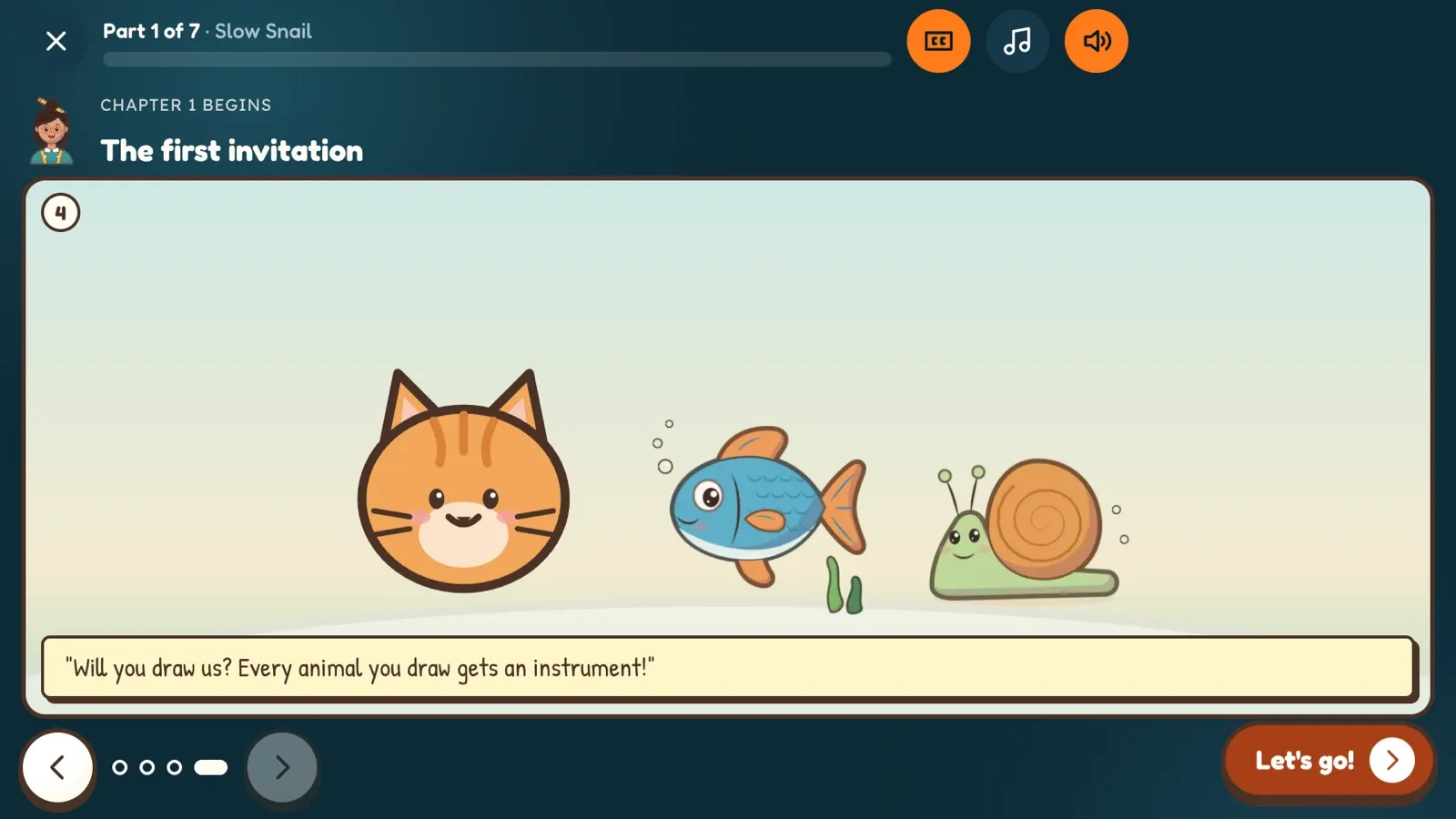
01Teacher Juno draws step by step -
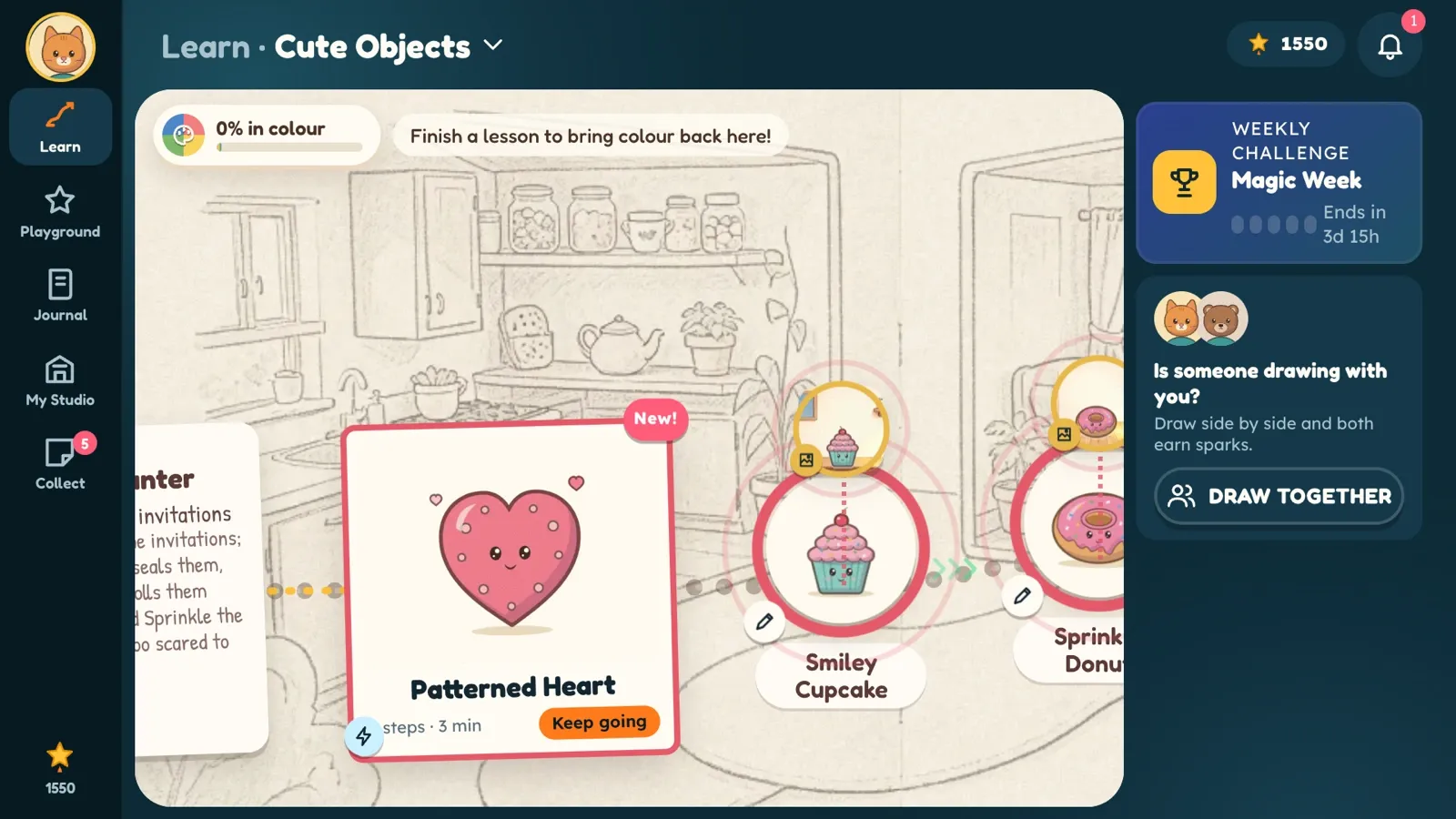
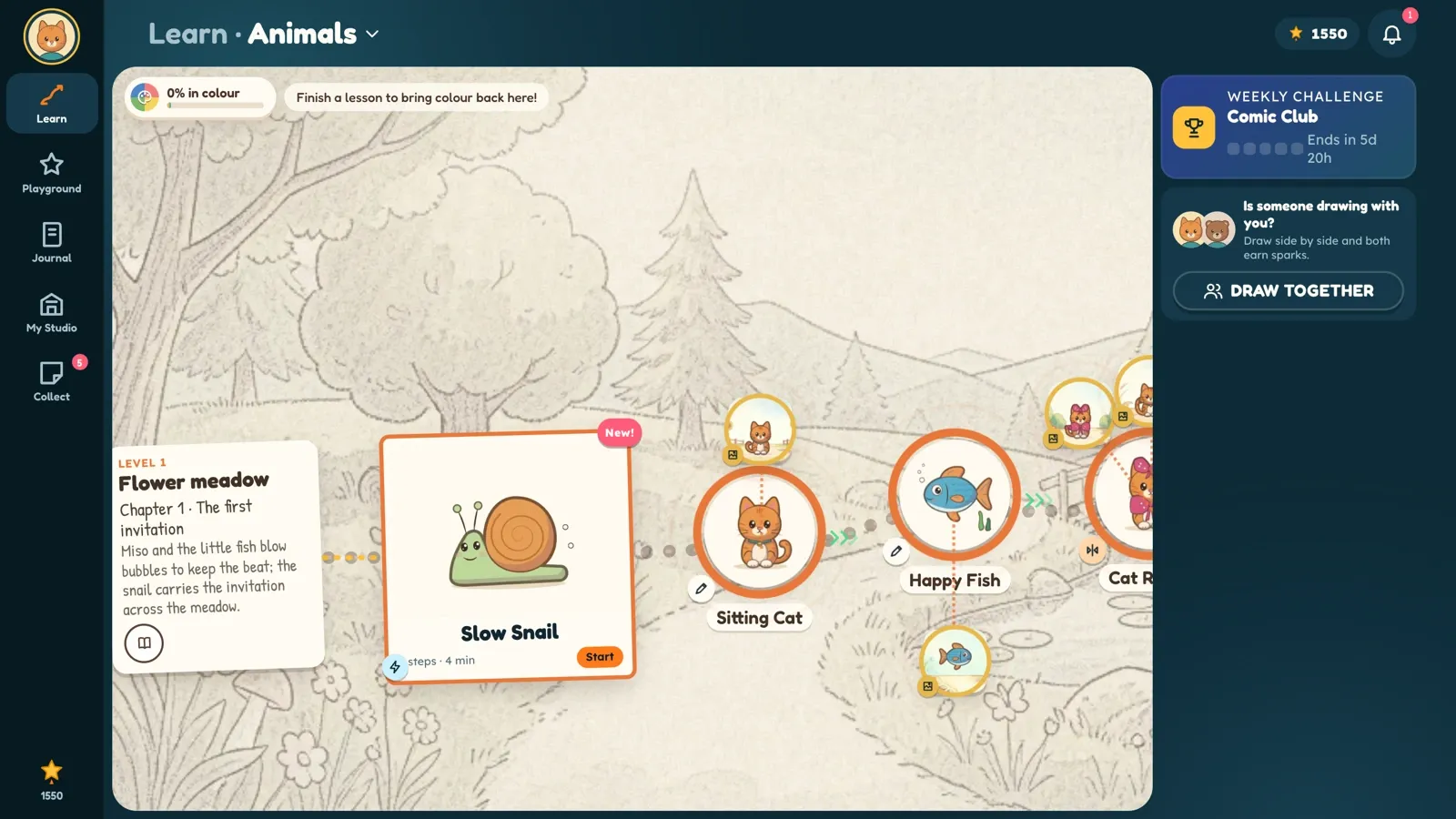
02Six worlds full of stories to draw -
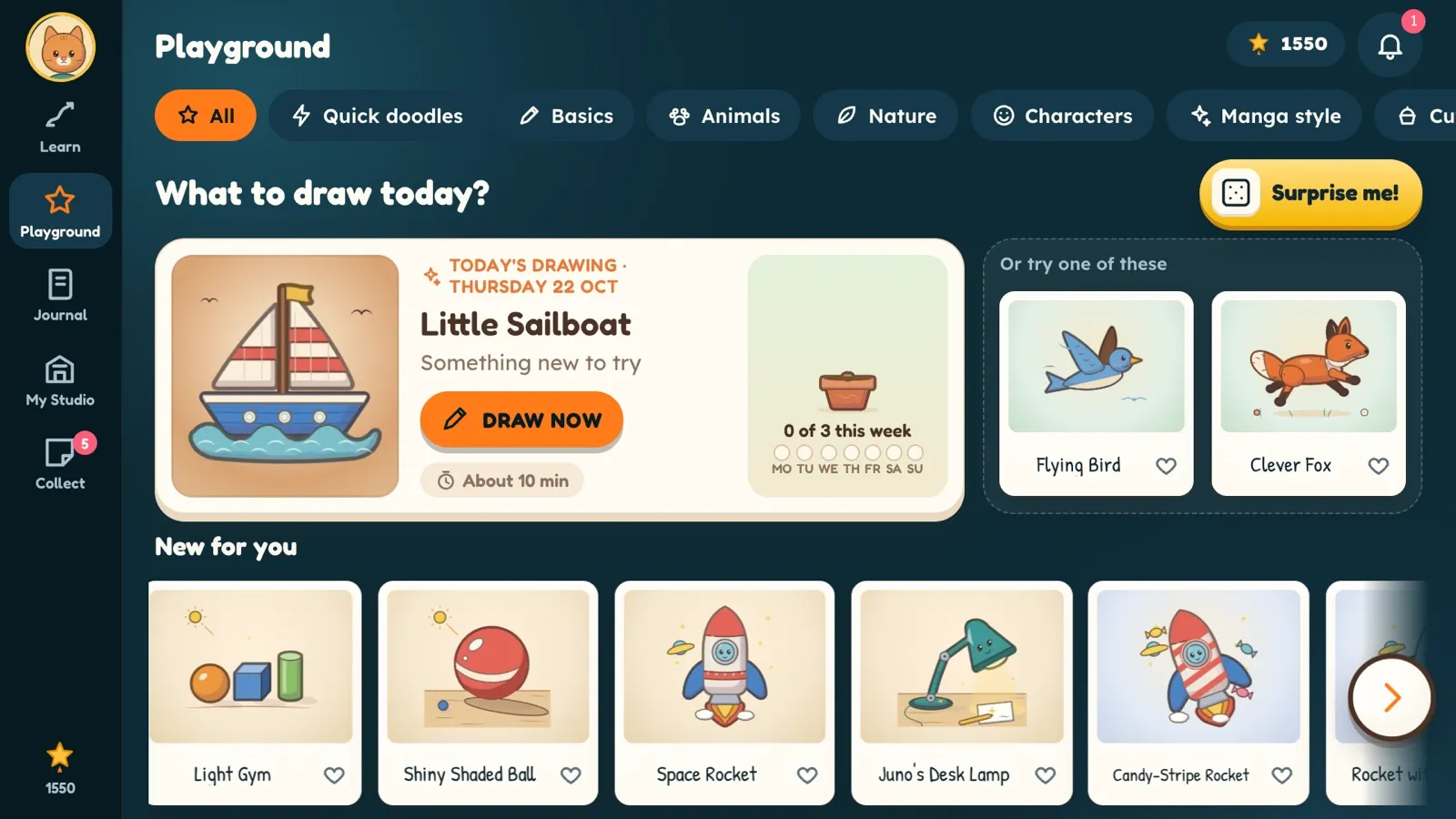
03Pick today's drawing, or let Sketchling surprise you -
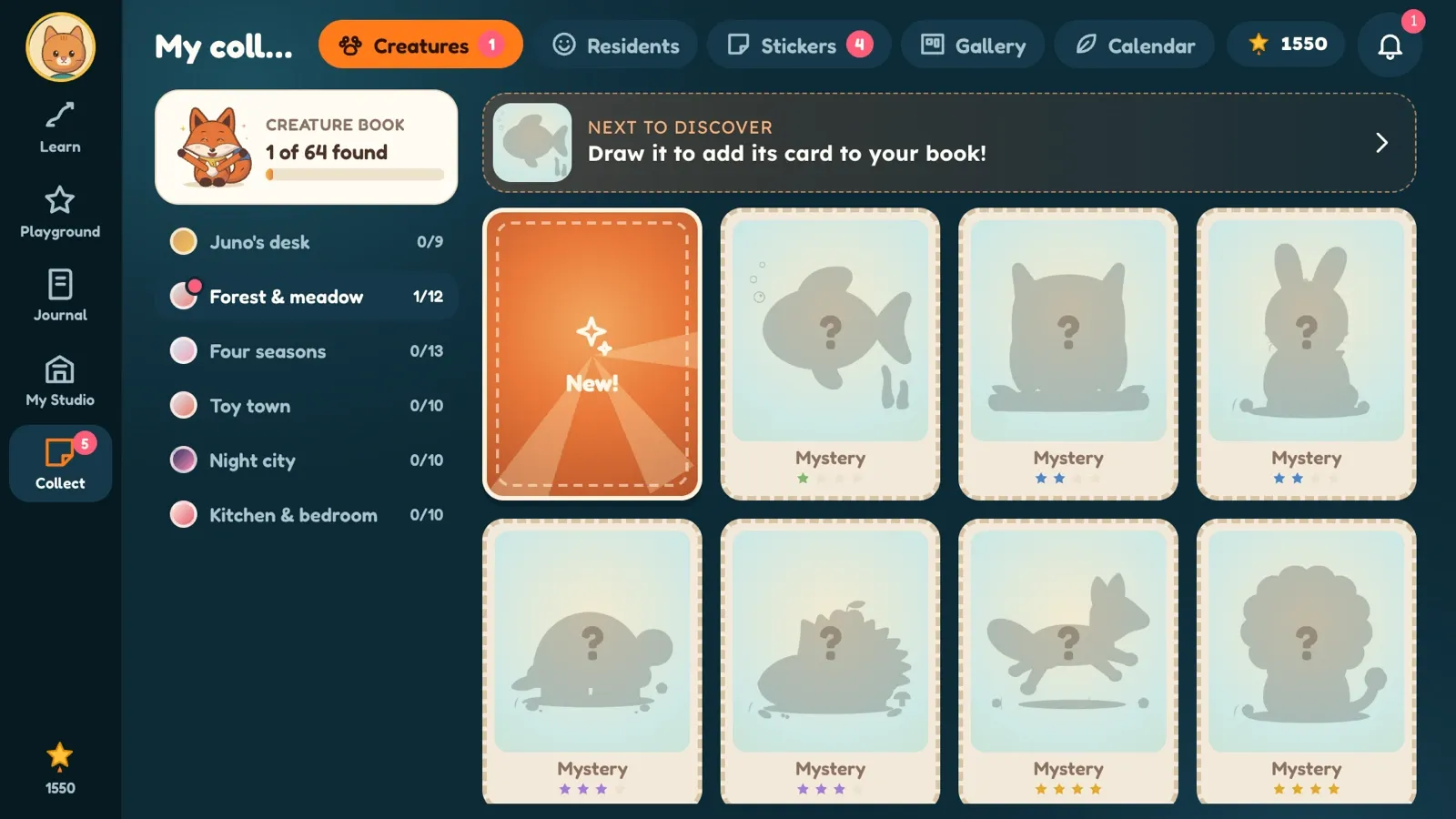
04Collect creatures and stickers -
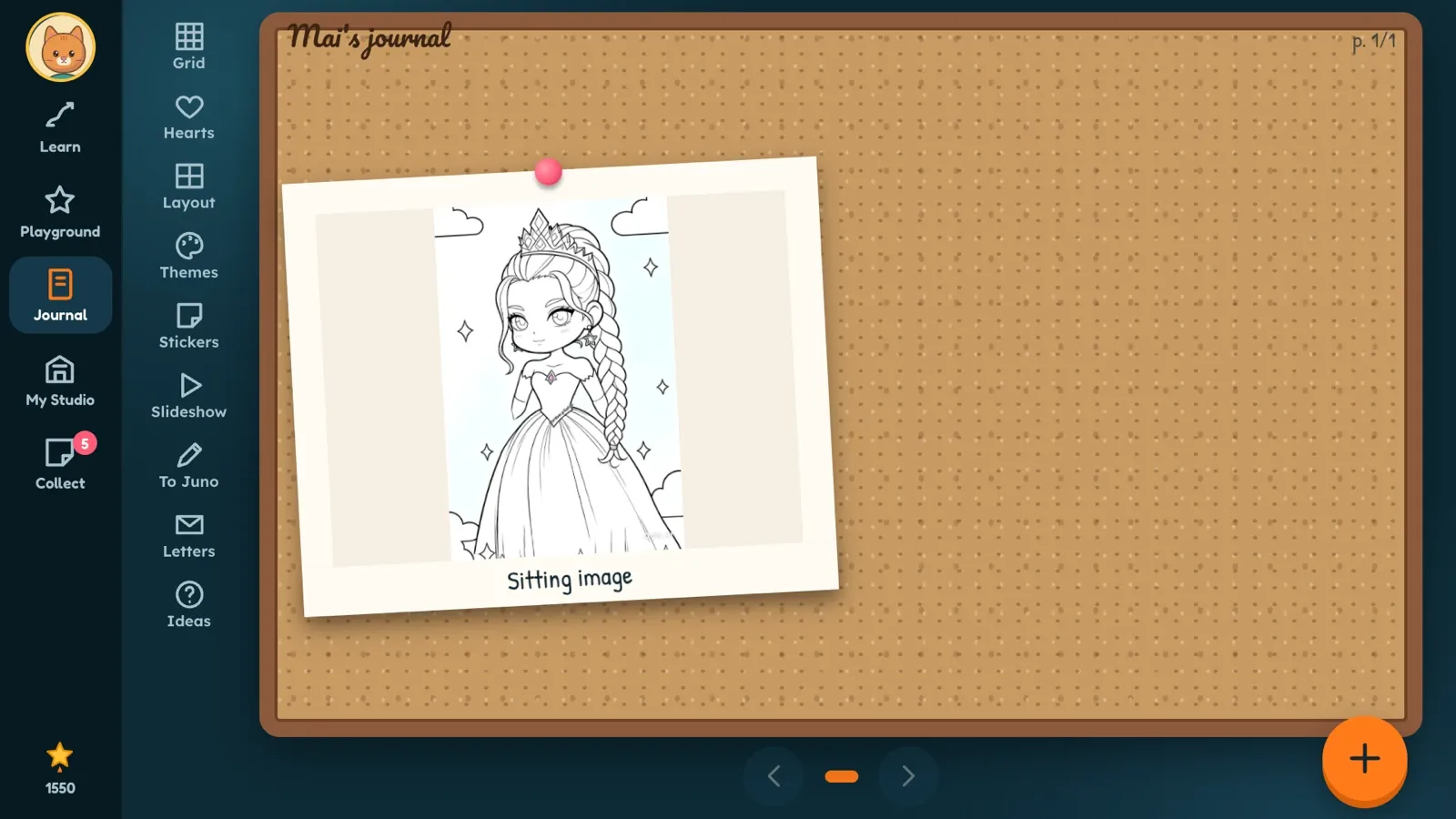
05A private journal of every drawing -
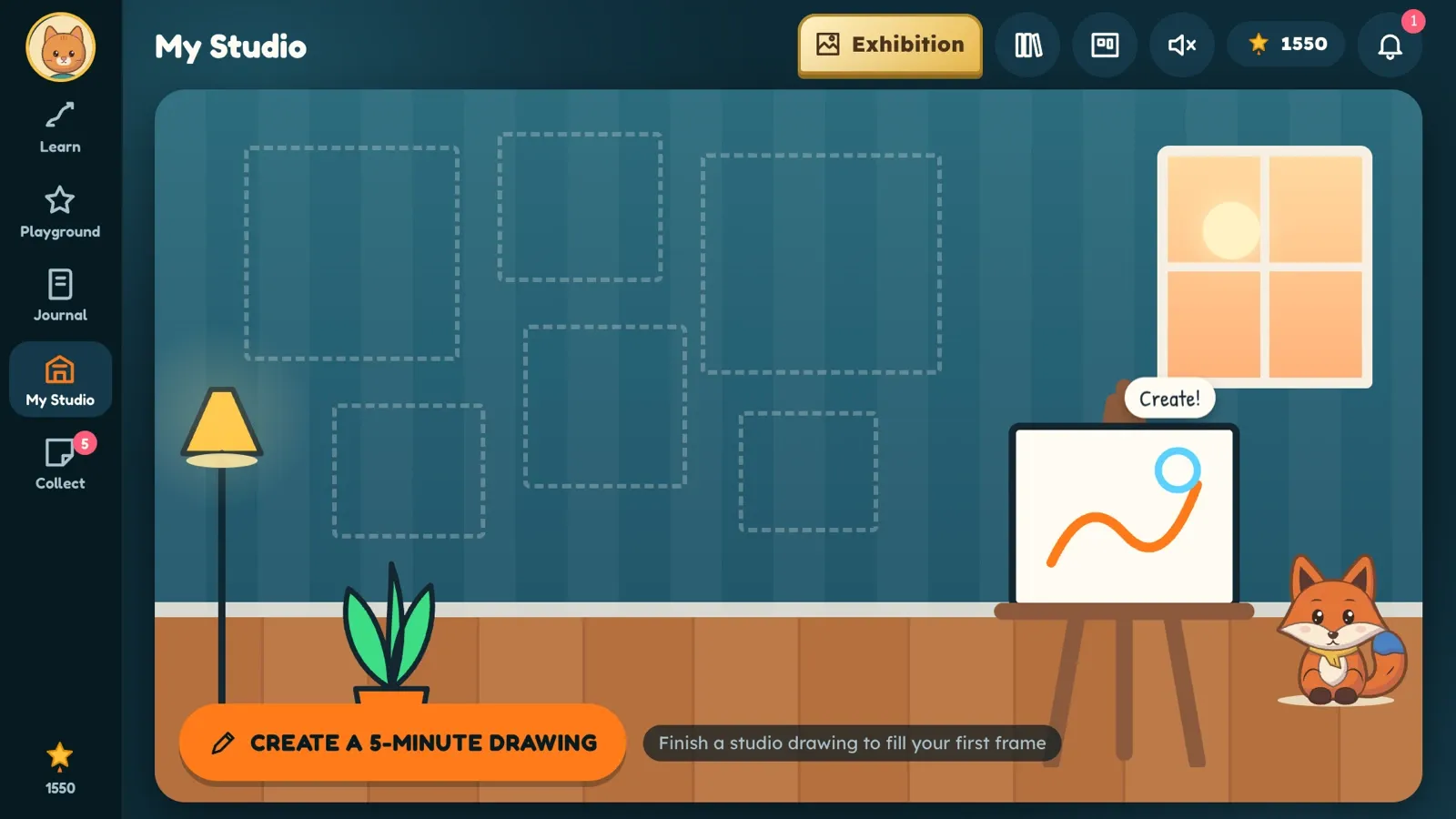
06Draw Studio for when there's no paper nearby -
07Meet Sketchling — learn to draw on real paper
Six worlds to draw
Every world has its own residents and stories
Children can start drawing straight away or listen to the story first.
-
Warm-up
Lines, circles and the shapes everything else is made of.
-
Animals
Foxes, fish, snails and friends with personality.
-
Nature
Trees, flowers, weather and the seasons.
-
Characters
Faces, feelings and little people with big stories.
-
Comic & Manga style
Expressions, poses and panels for budding storytellers.
-
Cute Objects
Cupcakes, lamps, rockets — the joy of everyday things.
A step-by-step path from lines and circles to composition, light and colour — with 7 levels and 10 drawing skills.
Why kids love it
- Living drawings: photographed pictures come alive and join the creature book.
- Collecting: a creature book, a sticker album, a gallery wall and an exhibition.
- A drawing a day, weekly challenges and letters from the teacher.
- Draw Studio: brushes, fill and undo on screen when there's no paper nearby.
- Draw from real objects: find something round at home, look closely, draw what you see.
Why grown-ups trust it
- Real paper and pencils: most of the time your child looks at their own page, not the screen.
- A grown-ups corner behind a grown-up check: weekly progress report, time-lapse of drawings, sharing with family.
- Up to 5 child profiles, each with its own journal and progress.
- No ads. Settings, sharing and external links sit behind a grown-up check.
- Usage analytics only with a grown-up's permission — off by default.
Privacy promises
Your child's drawings are theirs
Nicknames, not names
A profile needs only a nickname and an age. We never ask a child for an email, phone number or address.
No ads, no tracking
No advertising SDKs, no advertising ID, no third-party analytics, no selling of data.
Delete everything, any time
In the app (Settings → Account → Delete account) or by email. It's gone from backups within 14 days.
What you'll need
Paper, a pencil and the device's camera (optional — children can keep going without a photo). Crayons or coloured pencils are welcome.
Where to get it
- Google Play — closed testing now. Public release after the test.
- App Store — coming later.
- Languages: English, Tiếng Việt, 简体中文.
Questions from parents
What age is Sketchling for?
About 4 to 12. Younger children enjoy tracing and big shapes; older children move on to scenes, light and shading. Grown-ups often draw along — it's a lovely thing to do together.
Does my child need to be online?
An internet connection is used to set up the account and to keep the journal and progress safely synced. The drawing itself happens on paper.
Are there ads or in-app purchases?
There are no ads, ever. The Android test version sells nothing. If paid plans arrive later, prices are shown clearly before any purchase, and only grown-ups can reach them.
What happens to the photos of my child's drawings?
They're saved to the child's private journal and synced to your account so they're safe on another device. They're never public unless a grown-up creates a share link — which can be removed at any time.
How do I delete our account and data?
Open Settings → Account → Delete account (after the grown-up check), or email sketchling@hinayurilabs.com. Everything is deleted; backups clear within 14 days.
How can we join the Android test?
Email sketchling@hinayurilabs.com with the email address of the Google account on your Android device. We'll add you to the testers list and send the link.
Questions or ideas?
Write to us — we read every message, including drawings.